
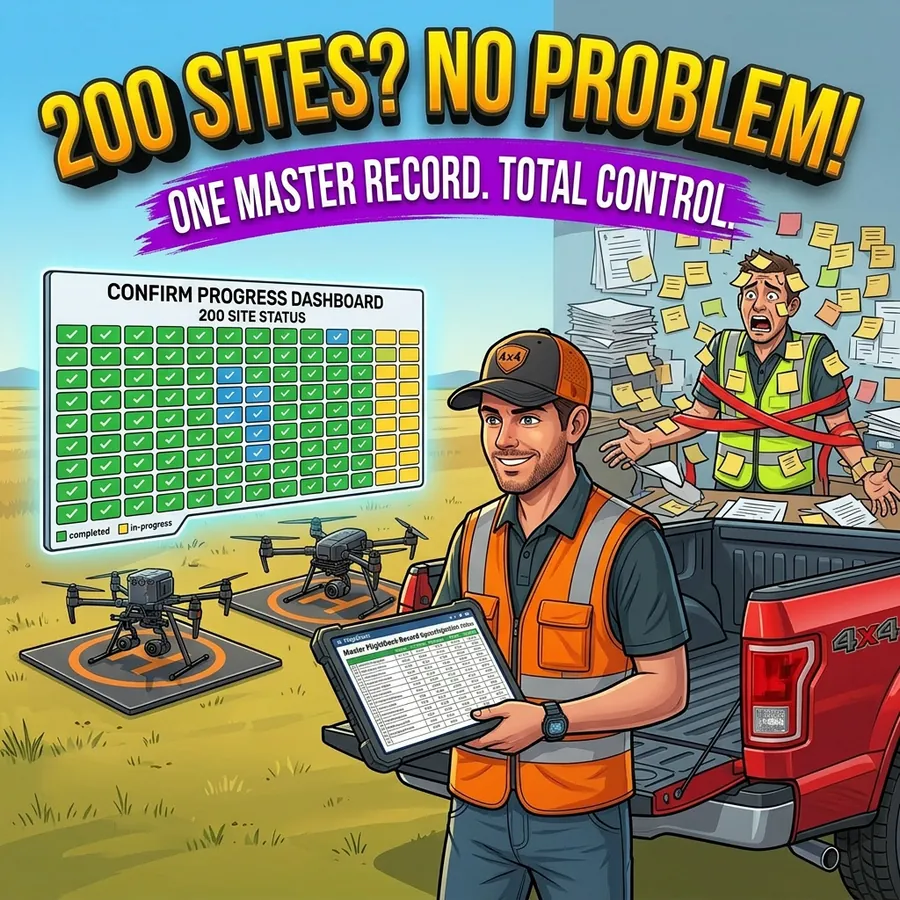
A 200-site tower inspection project isn’t 200 flights. It’s 200 individual planning decisions — airspace classification, authorization status, weather windows, scheduling, folder structure, data collection, upload, QC, reporting, and invoicing — multiplied by 200 and run in parallel across a project timeline that usually has a fixed end date.
The operators who manage this well aren’t necessarily smarter or more experienced. They’re using better tools for the parts that don’t require their expertise.
Starting a Large Project: Batch Import
Most large commercial UAS projects start with a client-provided spreadsheet — a list of tower locations, site IDs, and whatever project-specific fields the client includes. The column names vary by client, by carrier, by year, and by whoever built the original template.
FlightDeck normalizes this automatically. When you place your data file as UpdatedFlightData.xlsx in the data folder and run the processor, FlightDeck maps more than 50 common column name variations to its standard set. “Node” becomes Site ID. “Lat” becomes Latitude. “CDD” becomes Due Date. “Scan_Type” becomes MOP Type. Dozens of variations that would otherwise require manual column renaming are handled before the data ever enters your working file.
New entries are geocoded using their address or coordinates. Sites already in the system are updated without overwriting completed records. The merge is non-destructive.
The Progress Scoreboard
The FlightDeck dashboard shows three numbers at all times: R for remaining flights, F for flights flown and logged, and T for total historical flight records. These update automatically as flight status changes.
Each site in the project moves through six status stages: Not Scheduled (0%), Scheduled (10%), Flown (40%), Forms Needed (50%), Submitted (90%), and Complete (100%). These stages drive the progress calculation and tell you and any supervisor reviewing the project exactly where every site stands — not whether the data file was updated, but what stage of completion each site has reached.
For a 200-site project, being able to answer “how many sites are at Forms Needed stage?” or “how many are complete and invoiced?” without manually counting rows is the kind of visibility that makes a project manageable.
Folder Structure Automation
Before flying, you need a directory structure ready to receive data — a sub-folder for each site, organized consistently so photos, KML files, and reports all land in the right place. On a 200-site project, creating those folders manually is an hour of tedious work that doesn’t require your judgment.
FlightDeck’s Create Folders tool reads your site list and generates the full directory structure automatically. Every site in your project gets a folder, named exactly to match the Site ID, with all required sub-directories created. Run it once at project start, and your folder structure is ready for the entire project.
Daily Reports
The 3-Phase Update generates daily reports automatically as part of its output. Supervisors and project managers who need to know current status don’t need to interrupt your field operations to ask — the report reflects the state of the project as of the last update run, and it’s available without any manual data extraction.
The Compounding Advantage
The productivity argument for this kind of automation isn’t just time saved on individual tasks. It’s the compounding effect of not having to context-switch between flying and administrative work. Every minute spent updating a spreadsheet manually, creating folders, or chasing down a site’s authorization status is a minute not spent on the work that actually requires your expertise.
On a 200-site project, the administrative overhead is substantial. FlightDeck doesn’t eliminate all of it — there’s still judgment required at every stage. But it handles the parts that don’t require your judgment, which is most of the data management.
That’s the difference between a project that feels manageable and one that doesn’t.
Try FlightDeck free for 30 days on your next project.