
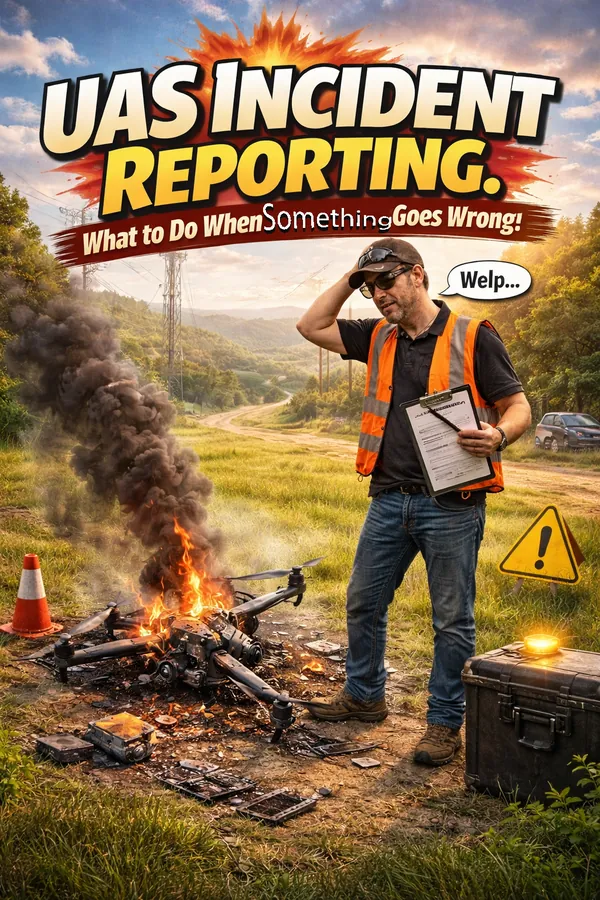
UAS Incident Reporting: What to Do When Something Goes Wrong

Commercial drone pilot documenting a UAS incident with notes and photos at the scene of an unexpected drone landing

No commercial UAS pilot plans for an incident. But the ones who’ve thought through exactly what to do before one happens are the ones who handle them professionally when they occur — protecting themselves legally, maintaining client confidence, and contributing to the industry’s safety record.

Here’s what you need to know about UAS incident reporting as a commercial Part 107 operator.

What Triggers a Reporting Requirement

Under 49 CFR §830, the NTSB requires notification when a UAS operation results in:

  • Serious injury to any person (hospitalization required)
  • Loss of consciousness of any person
  • Property damage exceeding $500 (to property other than the aircraft itself)

Additionally, the FAA can request information and records from certificate holders at any time. Under Part 107, you’re required to make your aircraft available for inspection and to cooperate with FAA investigations.

Many incidents that don’t trigger mandatory NTSB reporting are still worth documenting formally — airspace deviations, close calls with manned aircraft, equipment malfunctions, or any operation that didn’t go as planned.

Immediate Response: The First 60 Minutes

Secure the scene. If the aircraft is down in a manner that poses ongoing risk — near people, traffic, or energized lines — manage that hazard first before doing anything else.

Document everything before it changes. Photograph the aircraft position, any damaged property, the launch and landing zone, and your equipment setup. Video the scene. Note the time, GPS coordinates, weather conditions, and who was present. Do this before anything is moved or removed.

Preserve flight data. Don’t clear logs. Don’t reset the aircraft. The flight controller log, video footage, and any telemetry data may be relevant to the investigation. Preserve it.

Notify your insurer. Most commercial UAS policies require prompt notification of potential claims. Don’t wait to see if a claim materializes — notify early.

Do not make admissions. Speak factually about what happened. Don’t speculate about cause or accept liability before facts are established. This applies in conversation with clients, bystanders, and especially with any responding authority.

NTSB Reporting Process

If the incident meets the reporting threshold, notify the NTSB as soon as practicable and no later than two days after the accident. Notification can be made through the NTSB’s online reporting form or by phone. A full written report may be required within 10 days.

Keep a copy of everything submitted. If the FAA opens a parallel investigation, your documentation and the timeline of your actions matter.

The Professional Response to Non-Reportable Incidents

For incidents that don’t trigger mandatory reporting — a hard landing, a minor equipment malfunction, an airspace confusion — the professional response is still documentation and analysis.

Write an internal incident report: what happened, what the chain of events was, what the contributing factors were, and what procedural or equipment changes you’re making in response. File it. Reference it in future planning.

Pilots who document and learn from their close calls have far fewer of them over time. The ones who don’t tend to repeat the same errors until one of them becomes a reportable event.

Maintaining the Record

Your operational history — the complete record of flights, conditions, authorizations, and incidents — is your professional evidence file. FlightDeck’s SQL-backed flight logging captures 87+ data points per mission in a local database that’s always there when you need it.

When an insurer, a client, or the FAA asks what happened and when, you pull a report. You don’t reconstruct from memory.

Download the free 30-day trial and start building the operational record that protects you when something doesn’t go according to plan.
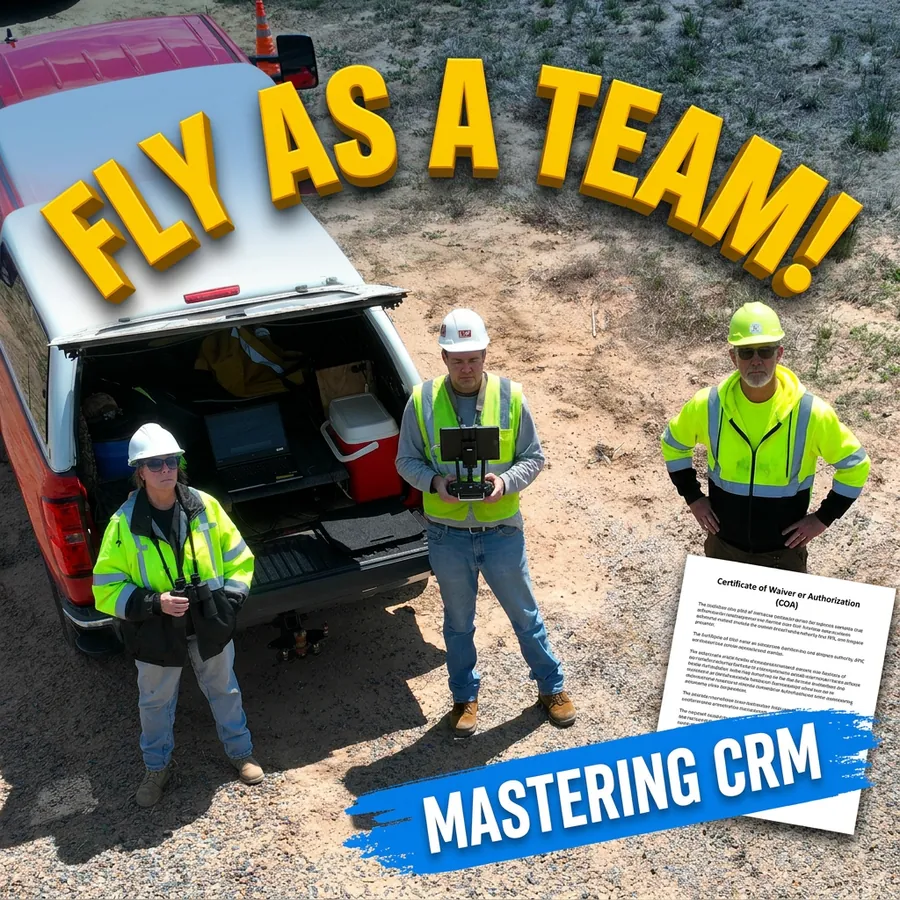
Crew Resource Management for UAS Pilots: Lessons from Manned Aviation

Crew Resource Management — CRM — is one of the most important concepts in manned aviation safety. It emerged from accident investigations that revealed most crashes weren’t caused by mechanical failure or bad weather. They were caused by human factors: poor communication, unchallenged errors, fixation on one problem while missing another, and captains who didn’t listen to co-pilots who saw the problem first.

Commercial UAS pilots can learn a great deal from CRM, even when flying solo. And for multi-pilot operations with a visual observer, crew coordinator, or remote pilot team, CRM isn’t optional — it’s the difference between a safe operation and an incident waiting to happen.

What CRM Actually Is

CRM is the effective use of all available resources — people, information, equipment — to achieve safe and efficient flight operations. It encompasses:

  • Situational awareness — knowing where you are, what’s around you, and what’s coming next
  • Decision-making — structured go/no-go processes rather than gut feel under pressure
  • Communication — clear, unambiguous information sharing between everyone on the operation
  • Workload management — distributing tasks so no one person is saturated while others are idle
  • Error management — catching mistakes before they become incidents, and managing them when they occur

CRM for the Solo UAS Pilot

Even flying solo, CRM principles apply. You are still managing multiple information streams simultaneously: aircraft telemetry, airspace, weather, battery state, site hazards, and client communication. Saturation of any one of these leads to the others being ignored.

Solo CRM practices that matter most:

Checklists over memory. Standardized pre-flight, in-flight, and post-flight checklists exist because human memory is unreliable under workload. Use them every time, without exception. Skipping a checklist because “you always do it this way” is exactly when you miss something.

Decision points set in advance. Establish go/no-go criteria before you arrive on site. Wind limits, visibility minimums, battery thresholds for return. Decisions made on the ground before pressure builds are better decisions than ones made while the aircraft is airborne and conditions are deteriorating.

Self-briefing. Talk yourself through the mission before launch. Hazards, contingencies, abort criteria. Saying it out loud — even alone — forces a completeness that mental review doesn’t.

CRM for Multi-Pilot Operations

When you add a visual observer, second pilot, or ground crew, the communication layer becomes critical. Accidents in multi-person UAS operations often involve someone who saw the problem but didn’t speak up, or did speak up and wasn’t heard.

Briefings are mandatory. Every person on the operation needs to know the mission profile, their specific role, the communication protocol, and the abort criteria before any aircraft is powered on.

Standard phraseology. “Traffic” means something specific. “Clear” means something specific. Establish shared language for your operation and use it consistently. Ambiguous communication in a fast-moving situation produces the wrong action.

Challenge and response. Critical actions — launch, altitude changes, approach to obstacles — should be called and confirmed. “Launching” / “Clear to launch.” Not assumed.

Authority gradient awareness. In manned aviation, junior crew members sometimes fail to challenge a captain’s bad decision. In UAS operations, a visual observer may not challenge a pilot who’s pressing on into unsafe conditions. Build a culture where every person on the team has both the authority and the expectation to call a stop when something isn’t right.

Managing Automation Bias

Modern UAS platforms are highly automated — return-to-home, obstacle avoidance, altitude hold. This is a safety asset, but it creates its own risk: automation bias, the tendency to trust automated systems without monitoring them critically.

Return-to-home doesn’t know about the crane that moved since you set it. Obstacle avoidance doesn’t see thin wires. Altitude hold doesn’t account for GPS drift near metal structures. Know your automation, know its limits, and never assume it’s covering something it may not be.

Logging as a CRM Tool

One underappreciated CRM function is the debrief. After every mission — especially ones where anything went differently than planned — document what happened, what the decision points were, and what you’d do differently. Over time, this builds a personal database of operational experience that improves every future flight.

FlightDeck’s structured flight logging captures the data that makes debriefs meaningful: conditions, authorization status, anomalies, post-flight notes. The data that helps you learn is only useful if it’s captured consistently.

Download the free 30-day trial and build the operational discipline that CRM demands into every mission from day one.